A counter has one job: serve the next customer quickly. Typing a full invoice for a packet of tea and two biscuits is too slow, which is why many shops keep a calculator and a paper slip. POS billing is the fast version of invoicing: scan, add, take payment, print.
This is how the POS screen works in BahiQo, and what it connects to behind the scenes.
What POS means here
A POS bill in BahiQo is a normal invoice, created from a faster screen. That matters: it gets a proper invoice number, GST is calculated the same way, stock is reduced, and any amount on credit lands in the customer's khata. You do not run a second system and reconcile it at night.
Billing at the counter
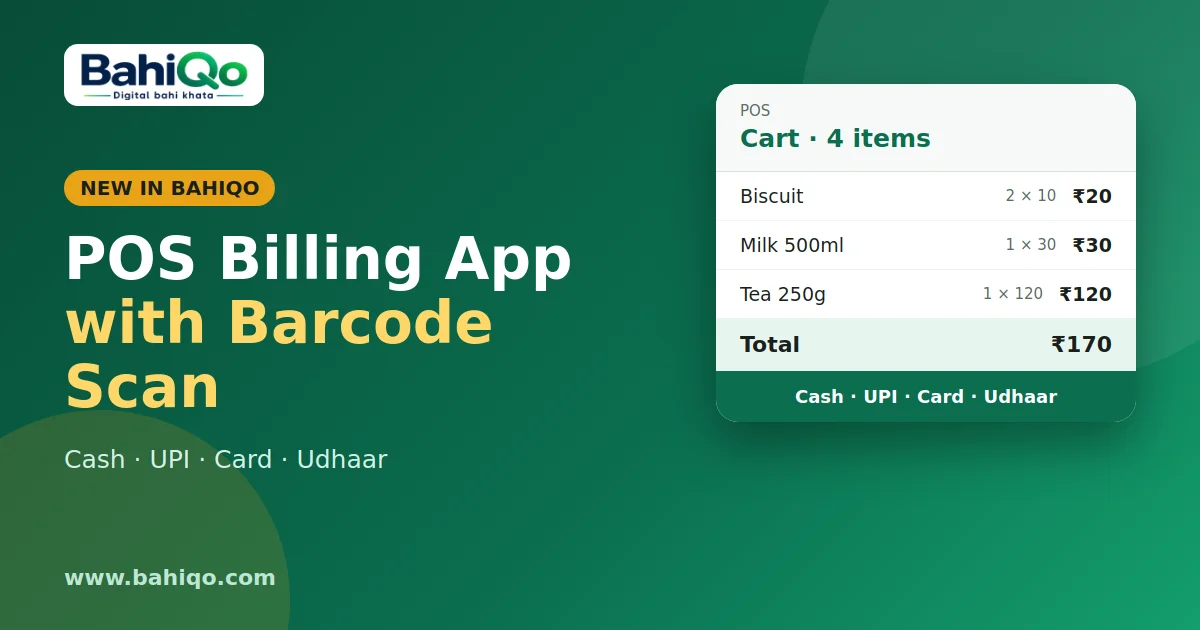
- Scan or search. Scan a barcode, or type a few letters of the item name. A barcode lookup returns the exact item.
- Build the cart. Tap to change quantity, add a discount, remove a line.
- Choose how they pay. Cash, UPI, card or udhaar.
- Finish and print. The bill is saved and the receipt prints at thermal width, or share it as PDF.
Cash, UPI, card or udhaar
For cash, UPI and card, the bill is saved already paid. For udhaar (credit), pick the customer and the full amount is added to their pending balance, exactly like a credit entry in the ledger. Without a named customer, the sale goes to a standard "Walk-in customer" record, which is fine for cash sales but not for credit; credit needs a real customer so you know who owes you.
Day summary
At closing time, the POS day summary shows the number of bills, total sales, how much was collected, how much went on credit, and the split by payment method. Compare "collected in cash" with the cash in your drawer. A mismatch usually means a payment was entered under the wrong method or a bill was missed. The same numbers appear in the daily summary notification if you turn it on.
What gets updated automatically
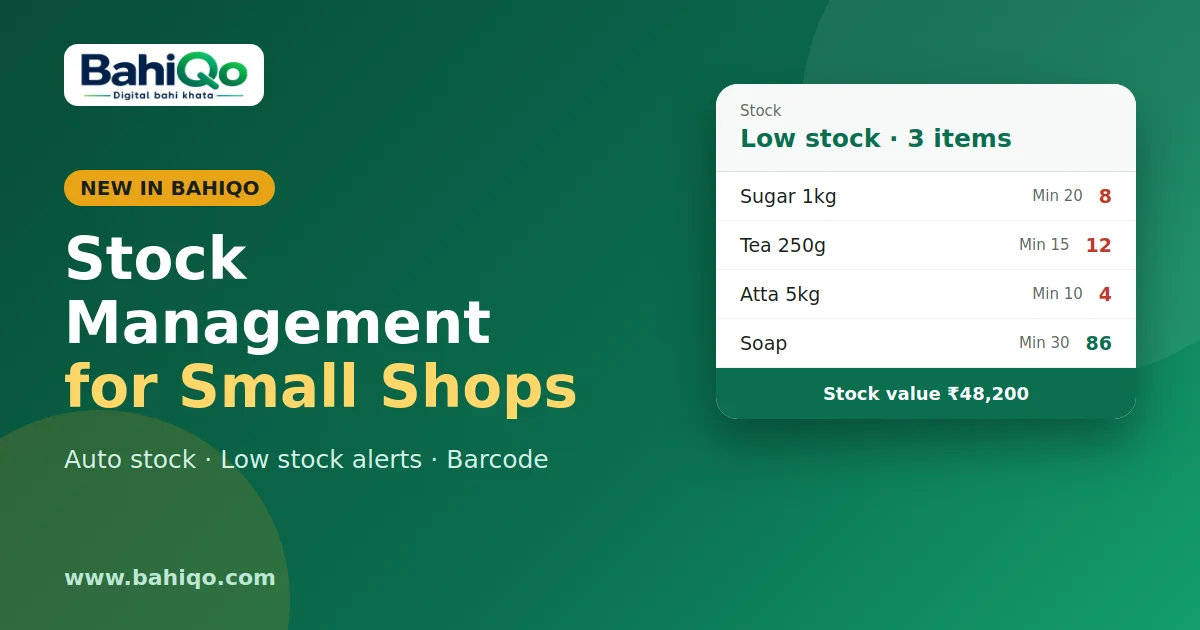
- Stock: quantities drop as items are sold. See stock management.
- Ledger: udhaar sales raise the customer's outstanding.
- Cashbook: payments recorded against bills show up in cash in. See cashbook and expenses.
- Reports: POS bills are part of your sales and GST reports.
Staff at the counter
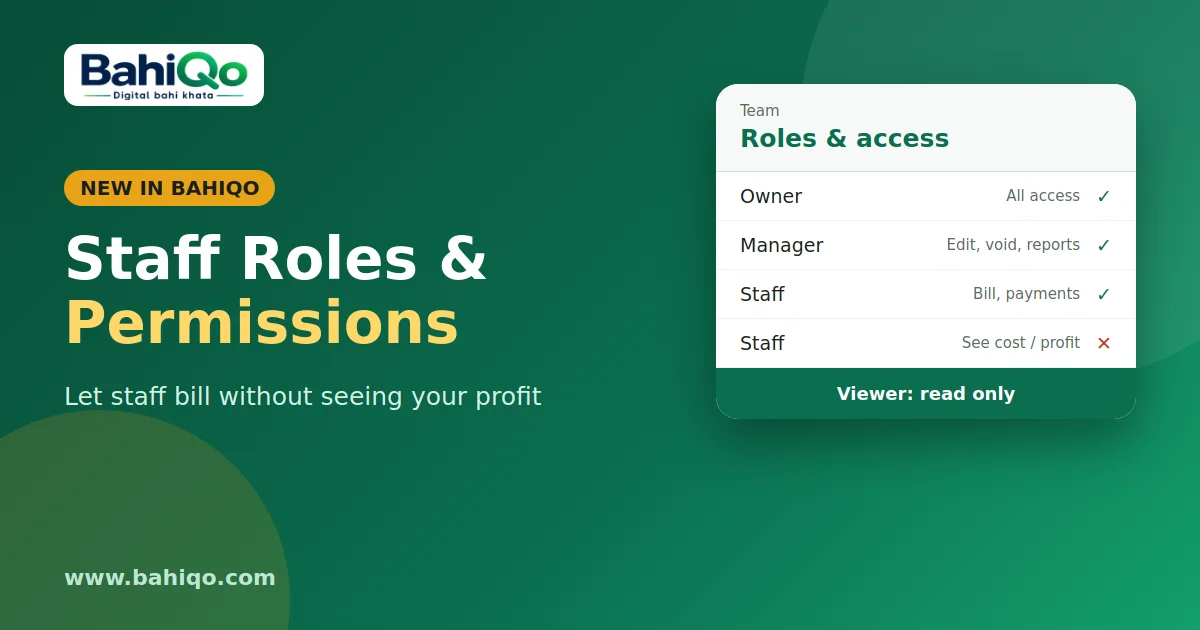
Give counter staff the Staff role. They can bill and record payments but cannot see your purchase cost or profit, and cannot edit or void old invoices. Set that up in the Team section; the details are in staff roles and permissions.
Honest limits
- You need your items entered, with barcodes if you want scanning. Without them you add lines by hand.
- Scanning needs the barcode saved on the item. A USB or Bluetooth scanner that types the code like a keyboard works with the web panel.
- POS bills count towards any monthly invoice limit on your plan.
- It does not take card payments itself. "Card" records how the customer paid on your own machine.
Is it right for you?
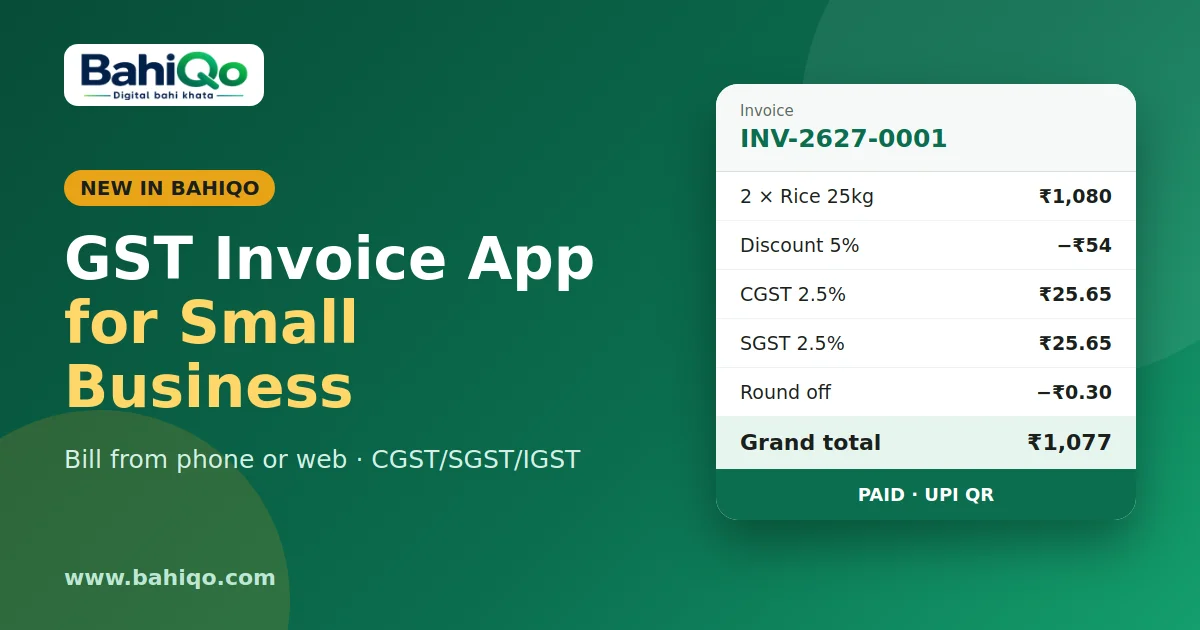
If you sell many small items to many people a day, yes. If you bill a handful of large orders, the normal invoice screen is closer to what you need; read the GST invoice guide. Shop types that benefit most are kirana, medical and stationery stores.
Download BahiQo, add ten items, and ring up a test sale before you open tomorrow.