The moment someone else touches your billing, three worries appear. Can they delete a bill? Can they see what I paid for the goods? Can they walk away with my customer list? Role-based access answers these without you hovering over the counter.
Here is how team access works in BahiQo.
The four roles
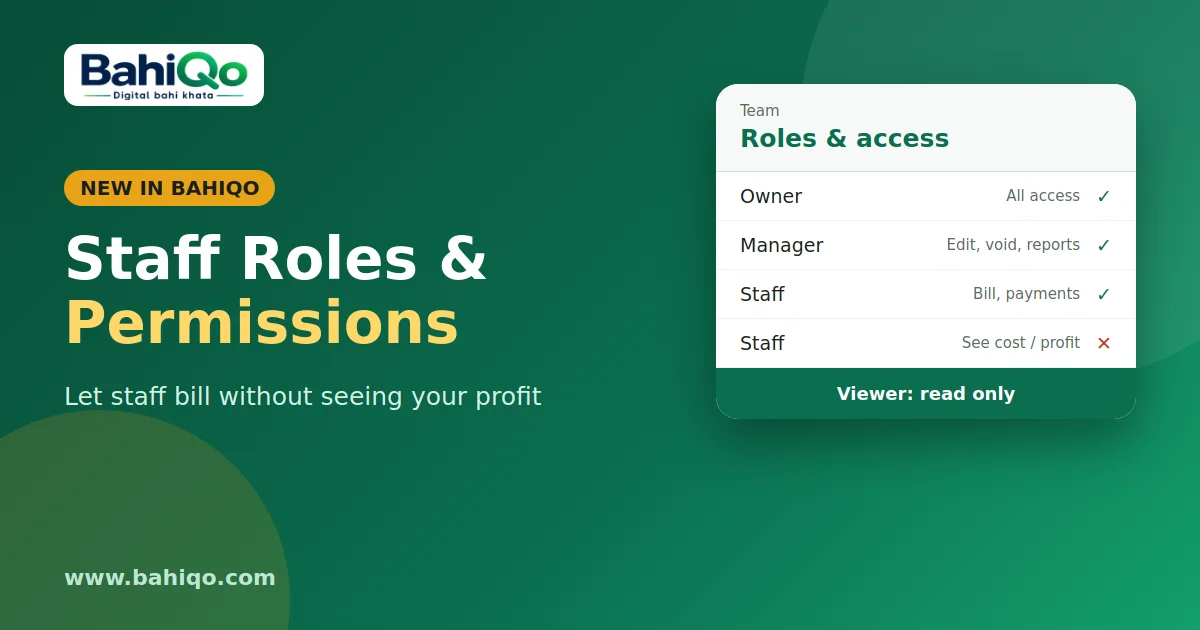
- Owner: everything, including team, backups and restore, plan and deleting the business.
- Manager: runs the shop day to day. Can edit and void invoices, delete payments, see purchase cost, stock value and reports, create purchases and export data. Cannot manage the team, backups or plan.
- Staff: counter work. Can create invoices, record payments, add cash and expense entries, add items and adjust stock (with a note). Cannot edit or void old invoices, delete payments, see purchase prices, stock value, profit or GST reports.
- Viewer: read only. Can look at the ledger, invoices and stock, nothing else. Good for a partner or an accountant who only needs to see.
A quick comparison
| Action | Owner | Manager | Staff | Viewer |
|---|---|---|---|---|
| Create bills and take payments | Yes | Yes | Yes | No |
| Edit or void an invoice | Yes | Yes | No | No |
| See purchase cost and profit | Yes | Yes | No | No |
| Purchases and exports | Yes | Yes | No | No |
| Team, backups, plan | Yes | No | No | No |
Custom permissions
Roles are a starting point. For each team member you can set an exact list of permissions, such as invoice.create, invoice.void, stock.adjust, stock.view_cost, reports.gst, export.data and so on. When you set a list, it replaces the role default. A staff member who also manages stock can be given stock permissions without becoming a manager.
Adding someone
- Open Team in the app or web panel (owner only).
- Enter their mobile number and choose a role.
- They sign in with that number and OTP and see only the shops they belong to.
The app and web panel hide buttons a person cannot use, and the server enforces the same rules, so a hidden button cannot be bypassed. Owners can change a role or remove a member at any time. The owner's own role cannot be changed or removed.
Sensible setups
- Counter helper: Staff role. Bills and takes payments; cannot see your margin.
- Family member who runs the second shop: Manager.
- Accountant: Viewer, or better, an accountant link limited to what they need.
- Delivery or sales person who only records collections: Staff with custom permissions limited to payments.
Limits and habits
- Roles do not stop a staff member entering a wrong amount. Review recent transactions each day; the dashboard check takes a minute.
- The number of team members may be limited by your plan.
- If a phone is lost, remove its session under Devices so it is signed out.
Start with the lowest role that lets the person do their job, and raise it when needed. Open BahiQo, add one team member as Staff, and look at the app from their side before you hand over the counter.