At the end of the month, an accountant asks for the same things: sales with GST, split by rate, B2B and B2C separately, and a sense of whether the business made money. If your bills are already in an app, none of that should need re-typing.
This is what BahiQo reports give you, and how to hand the data to an accountant safely. Reports are for owners and managers.
GST summary
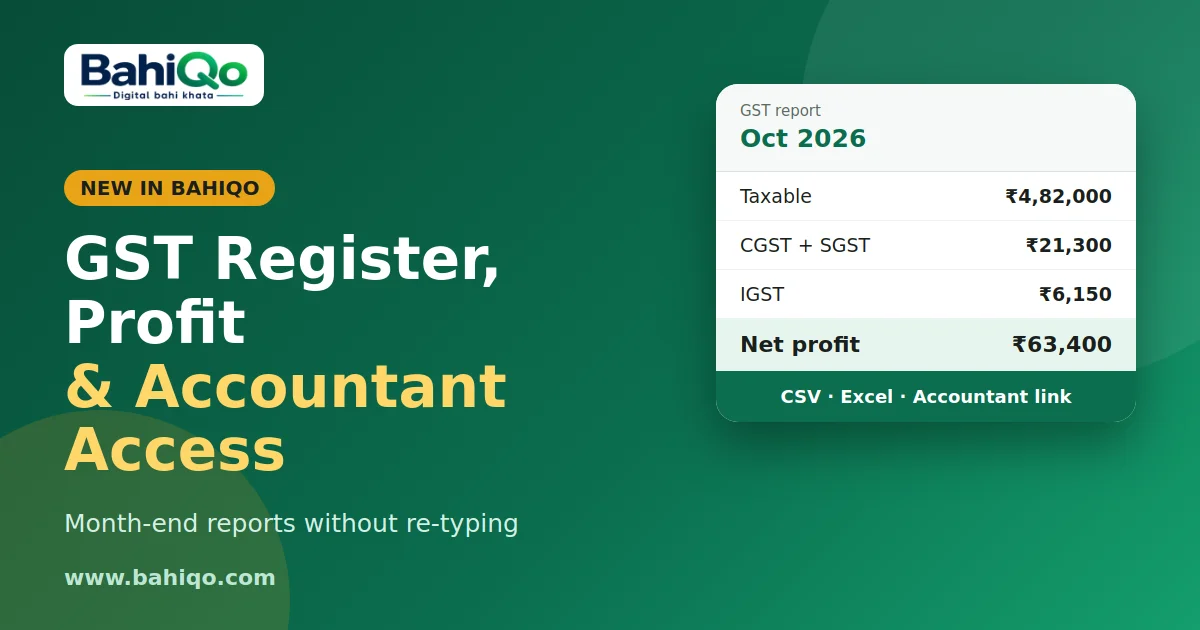
For any date range, the summary shows taxable total, CGST, SGST, IGST, grand total, and the count of invoices and credit notes. It also splits B2B (customer GSTIN present) from B2C, and shows a table by tax rate with taxable value and tax for each slab.
Which documents count: issued invoices and credit notes by issue date. Credit notes count as negative, so returns reduce the totals. Drafts, estimates, challans and voided documents are excluded.
GST sales register
The register lists each document with number, date, customer, GSTIN, type, supply (intra or inter-state), taxable value, CGST, SGST, IGST, round-off and total. View it on screen or download as CSV, or Excel if your plan includes Excel export. Most accountants can paste this straight into their working file.
Profit and loss
The profit and loss report for a period shows sales, purchases, expenses by category, gross profit and net profit. It is only as good as the entries behind it: record purchases (see purchase entry) and expenses (see expense tracker) regularly or profit will look better than it is. It is a management view, not audited accounts.
Giving your accountant access
Instead of sharing your login, create an accountant link:
- Name the link (for example, the accountant's name).
- Choose what it can see: invoices, ledger, GST, expenses.
- Choose how long it lasts: 7, 30 or 90 days.
- Copy the link and send it. It is shown only once.
The page is read only. You can see when it was last used and revoke it any time. An expired, revoked or unknown link shows the same not-found page.
A month-end routine
- Void or fix wrong bills and delete duplicates first.
- Record pending purchases and expenses.
- Open the GST summary and compare invoice count with your bill book.
- Download the register and send it, or share an accountant link.
What this is not
- It does not file GSTR-1 or GSTR-3B and does not replace your accountant's judgment.
- Input tax credit is not computed.
- Numbers depend on correct GST rates and GSTIN on each item and customer.
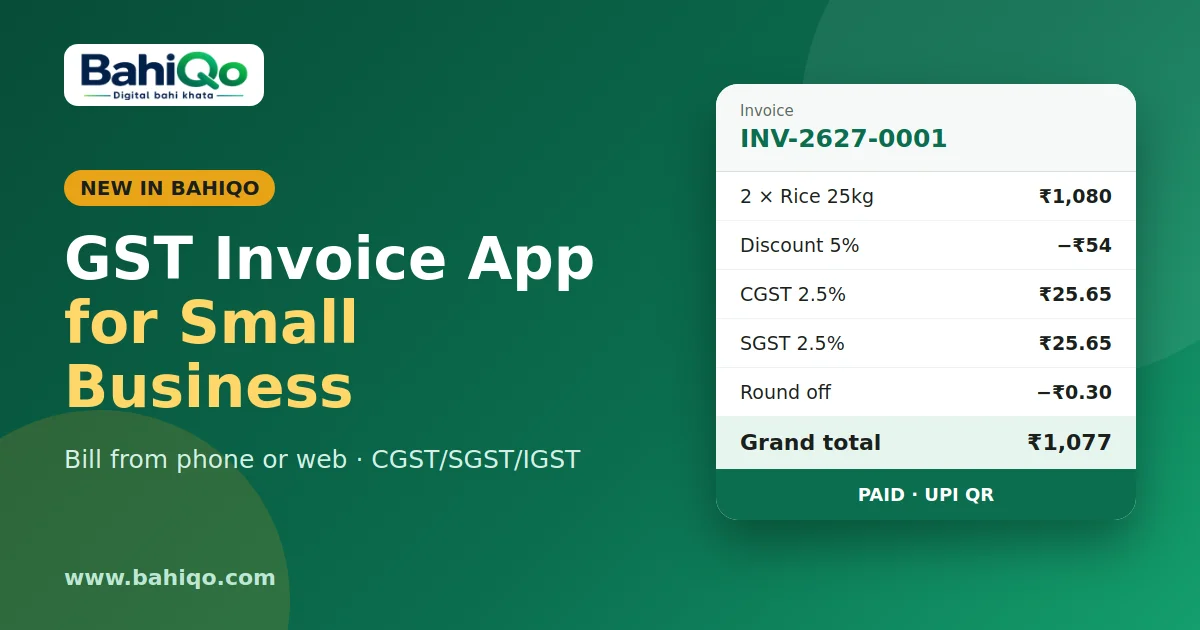
Pair this with GST invoicing so the register is clean from the first bill. Download BahiQo to begin.