Selling is half of stock. The other half is buying: what you ordered, what actually arrived, what the supplier charged and what you still owe. When that lives in a notebook and a bag of bills, stock and payables are both guesses.
This guide covers purchase entry and purchase orders in BahiQo. These screens are for owners and managers; staff cannot create purchases.
Purchase entry: what arrived
A purchase is a supplier bill you record. For each line you enter the item, quantity and unit cost. BahiQo works out line totals and the grand total, and checks them, so a typo does not slip through.
- Stock goes up by the purchased quantities.
- Supplier balance goes up by what you did not pay yet. If you paid part now, enter the paid amount; the rest is what you owe.
- Cash purchase: choose no supplier and the full amount must be paid at once, for goods bought from a market stall.
The bill number and date are stored, so when a supplier says "invoice 77 is unpaid" you can find it. Suppliers are the same kind of party as in your customer and supplier ledger; a customer cannot be chosen as a supplier by mistake.
Purchase orders: what you intend to buy
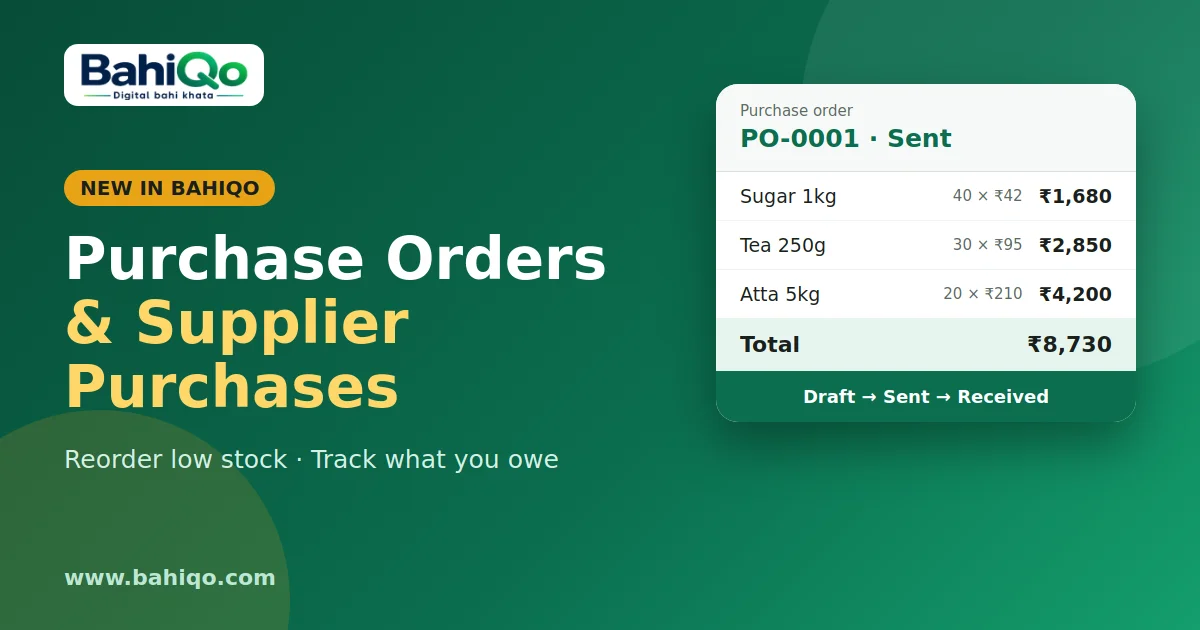
A purchase order (PO) is a list you send before goods arrive. It carries a number like PO-0001, the supplier, expected date, and items with quantity and cost. A PO moves through simple states:
- Draft: still being prepared.
- Sent: given to the supplier.
- Received or Cancelled: final. These cannot be reopened.
A PO does not change stock or the supplier balance. That only happens when the goods arrive and you record a purchase.
Reorder from low stock suggestions
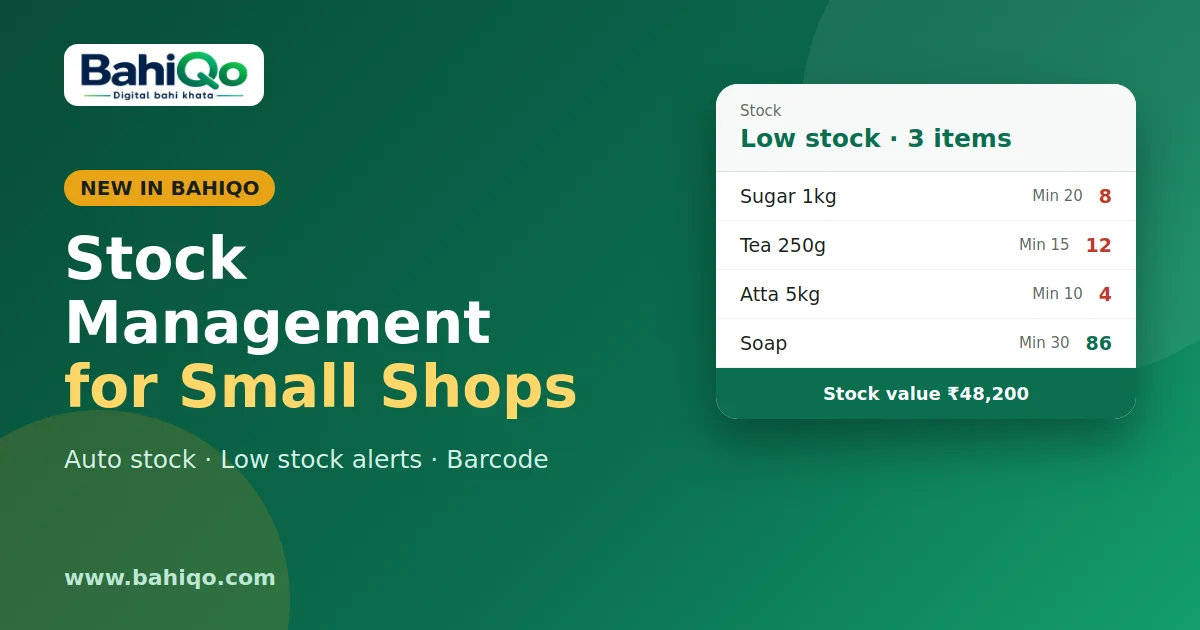
The suggestions list shows items at or below their low stock level, with a suggested quantity to bring each back up to twice that level. Use Order low stock on the web panel to turn the list into a draft PO, then edit quantities before sending. Setting good low stock levels, covered in stock management, makes this list useful.
Receiving a PO
When the delivery comes, open the PO and choose receive. That opens a normal purchase pre-filled from the PO. Check quantities against what was delivered, change anything that differs, enter the supplier's bill number and save. The PO is then marked received. Receiving is two steps on purpose: the purchase is the record, the PO status is the paperwork.
Paying suppliers
Supplier payments are recorded in the ledger like any other payment, and appear in the cashbook as cash out. See cashbook. The ledger shows what you owe each supplier as You'll give.
Why bother
- Cost prices stay current, so profit reports mean something.
- You know what you owe before a supplier asks.
- Reordering stops depending on someone remembering the gaps on the shelf.
Limits
- No automatic supplier messaging; sending the PO is up to you (share or print).
- No partial receipt tracking inside one PO: record what arrived as a purchase and mark the PO received when done.
- Purchase data is hidden from staff and viewers.
Try it with one supplier you deal with weekly. Download BahiQo or use the web panel, record last week's bill, and compare the supplier balance to your own note.