Ask a shop owner "how much cash should be in the drawer?" and you often get a pause. Cash moves in from customers, out to suppliers, staff, rent and chai. Without a record, profit is a feeling. A cashbook turns it into a number you can check every evening.
Here is how the cashbook and expense tracker work in BahiQo.
What the cashbook shows
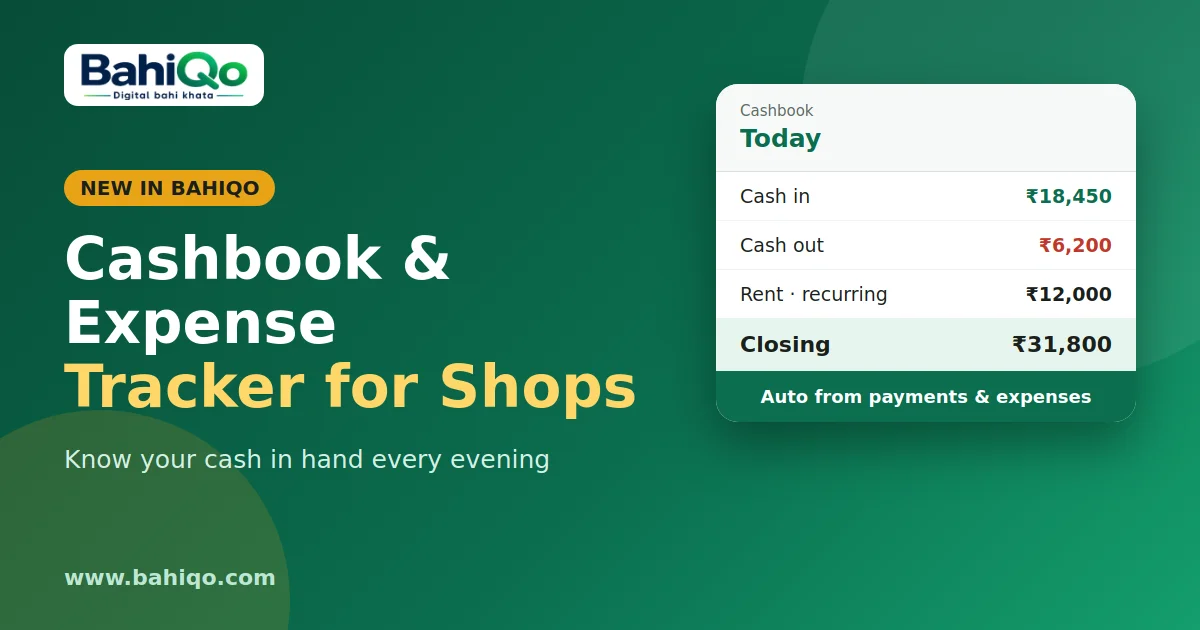
For any date range: opening balance, total in, total out and closing balance, with a day-by-day list. Closing balance is what should be in hand if every entry is right.
Most entries add themselves
- Customer payments recorded in the ledger or against an invoice appear as cash in.
- Supplier payments appear as cash out.
- Expenses create a matching cash out.
You add manual entries only for things the rest of the app does not know, such as money put into the till or taken for personal use. Manual entries can be deleted by owner or manager; the automatic ones are removed by undoing their source.
Expense tracking
Record an expense with a category, amount, method, date, vendor and note. Categories are rent, electricity, salary, transport, purchase, repairs, food and other. You can attach a photo or PDF of the bill (up to 10 MB), so the paper can go in the bin.
Recurring entries
Rent and salary do not change much. Create a recurring entry with a frequency (daily, weekly, monthly or yearly), a start date and an optional end date. The server creates the entry each day automatically; end-of-month dates adjust (31 January becomes 28 February in a normal year). Pause or delete it when things change.
Evening routine
- Count the drawer.
- Open the cashbook for today and compare it with the closing balance.
- If different, look for a payment under the wrong method, a missed expense, or an unrecorded withdrawal.
Credit limits and the cash gap
Cash problems often start with credit. Set a credit limit on customers and BahiQo warns when a new bill crosses it. You can choose to block bills beyond the limit. Pair it with collection habits and reminders.
What it does not do
- It does not connect to your bank, so bank balance is not tracked.
- It cannot prove a payment happened; method labels are how you tagged it.
- Monthly entry limits may apply on some plans.
The profit and loss view uses these expenses, see reports. Open BahiQo and enter today's rent or tea expense to see your first cashbook.