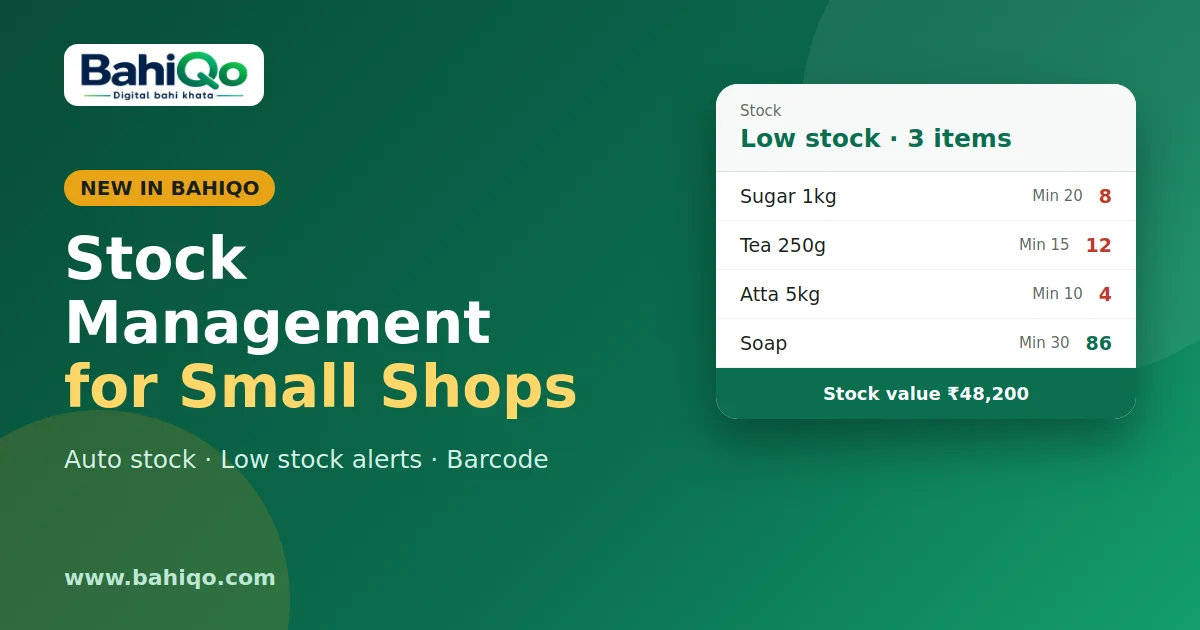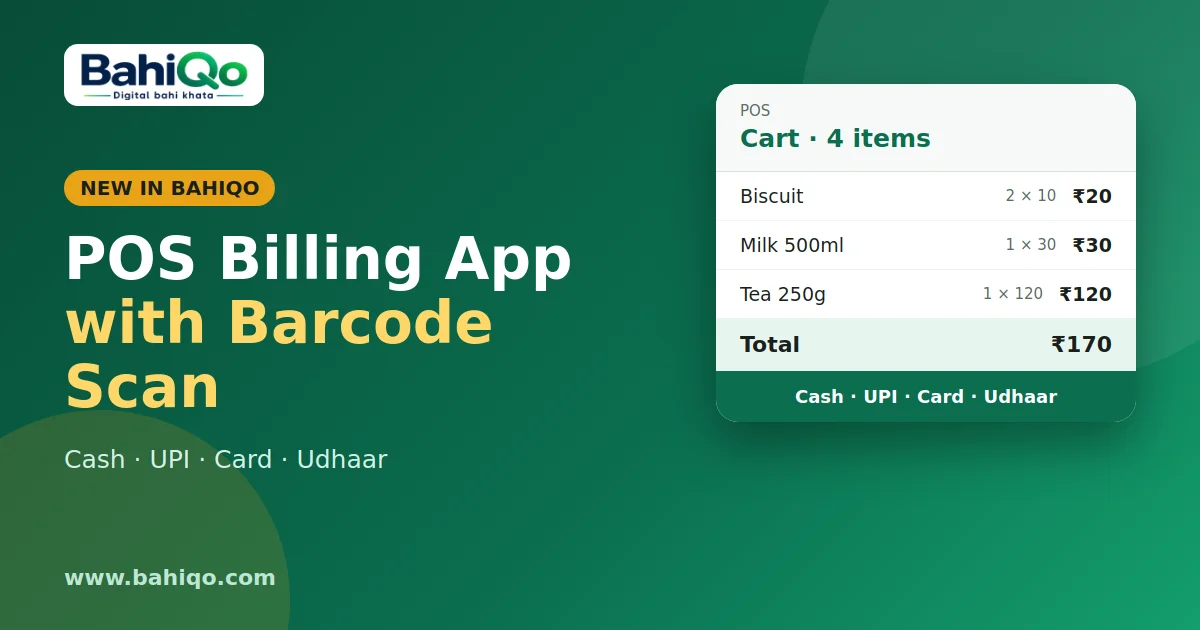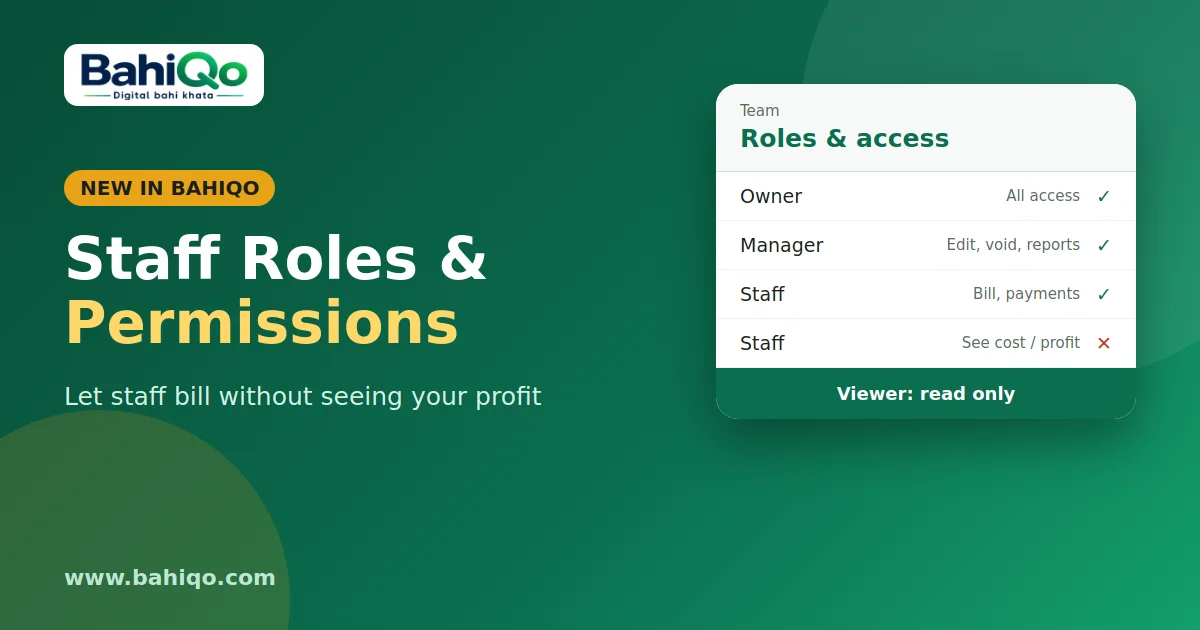
If you run a shop, a service business or a small wholesale counter, you probably issue bills three ways: a handwritten slip, a WhatsApp message with an amount, and a "proper" GST invoice when someone insists. A GST invoice app puts all three on one screen, so the bill, the tax and the pending amount come from the same entry.
This guide explains how invoicing works in BahiQo, on the mobile app and on the web panel, and where it stops. It is written for owners and staff, not accountants.
What a GST invoice needs
A tax invoice is not just an amount. It needs an invoice number, a date, the seller and buyer details, each item with quantity and rate, the GST rate on each line, the tax split, and the total. If the buyer is a registered business, their GSTIN is on it too.
The usual mistakes are small and expensive later: a repeated invoice number, tax calculated on the wrong amount, or a total that does not match the sum of the lines. BahiQo calculates the lines for you so the arithmetic is always the same.
How a bill is made in BahiQo
- Pick the customer. Choose an existing party from your khata, or a walk-in customer.
- Add items. Search your item list or add a line by hand. Each line has quantity, rate, discount percent and GST percent.
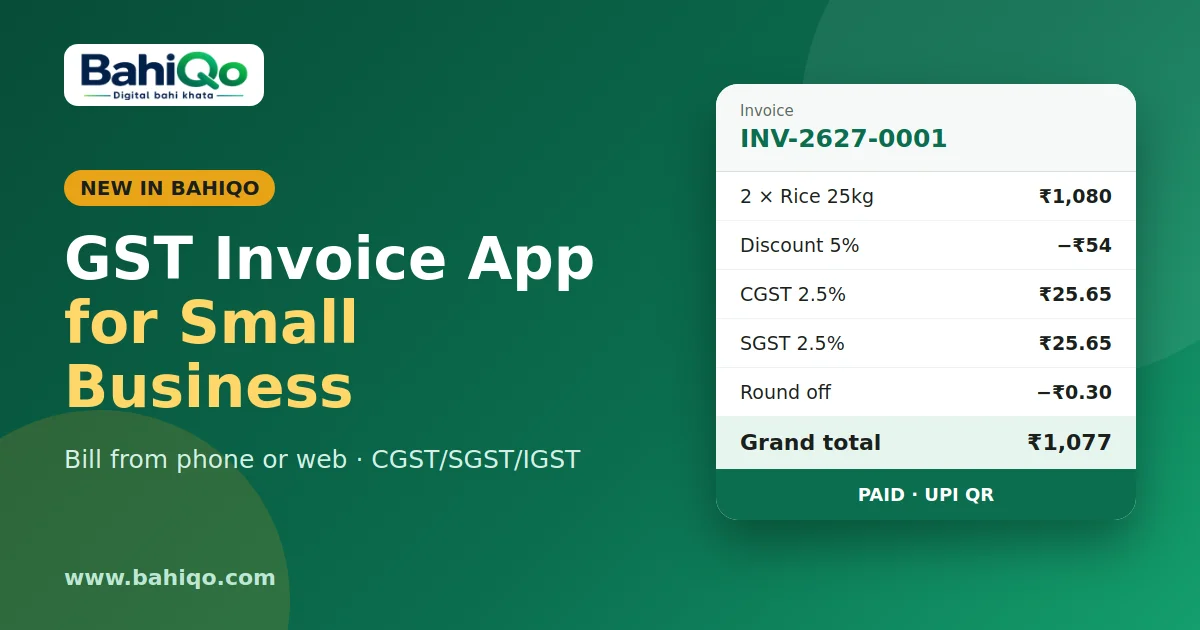
- Check the totals. Subtotal, discount, taxable value, tax and grand total appear as you type.
- Issue. A draft can be edited freely. Issuing it gives the invoice its number and posts it to the customer's ledger.
GST: CGST, SGST and IGST
Turn GST on in invoice settings and BahiQo splits tax by place of supply. For a sale inside your state it shows CGST and SGST; for a sale to another state it shows IGST. The supported rates are 0, 0.25, 3, 5, 12, 18 and 28 percent.
GST can only be switched on once your business has a valid GSTIN saved. If you are not registered, leave it off and the invoice is a plain bill with no tax lines.
Amounts are worked out in paise and rounded half-up, and you can choose whether the total is rounded to the nearest rupee. The rounding shows as a separate line so the bill still adds up. The total is also written in words, in Indian digit grouping.
Invoice numbers that do not repeat
Numbers follow the format INV-2627-0001: a prefix you can change, the financial year (April to March), and a running sequence. Voiding a bill keeps its number, so there are no silent gaps or reuse.
Share it, print it, collect on it
- PDF and print. A4 for the office, thermal width for a counter printer.
- Share link. Create a link that expires in 1 to 30 days and send it on WhatsApp. You can revoke it any time.
- UPI QR. Optionally show a QR on the invoice so the customer can pay straight away.
- Part payments. Record each payment against the invoice; status moves from issued to partial to paid.
Because every invoice posts to the customer's ledger, what the customer owes is always one number, whether they bought on credit or paid in two instalments. That is the difference between an invoicing tool and an udhar khata app with billing built in.
Editing and cancelling
You can edit a draft freely. An issued invoice can be edited only while it has no payments and is less than 24 hours old; after that it is locked. To cancel, void it with a short reason (3 to 120 characters). A bill with payments recorded cannot be voided until those payments are removed by an owner or manager. Mistakes after the lock are fixed with a credit note, covered in estimates, challans and credit notes.
What it does not do
- It does not file your GST return. It gives you the register and totals; see GST sales register and profit and loss.
- It does not generate e-invoice IRN or e-way bills.
- Some extras, such as custom invoice templates, depend on your plan.
Quick checklist before you start
- Save your business name, address and GSTIN (if registered).
- Set an invoice prefix and decide on round-off.
- Add your common items with their GST rate once, so billing is two taps later.
- Turn on the UPI QR in invoice settings if you want it on the bill.
Ready to try it? Download BahiQo or sign in on the web panel, create one test invoice for yourself, and check the PDF against what your accountant expects. If you also sell at a counter, read POS billing with barcode next.