Plenty of advice tells shopkeepers that spreadsheets are unprofessional and they should switch immediately. That is overstated. Excel is free, familiar, and for a shop with twenty credit customers it works perfectly well. It is worth being precise about where it actually breaks instead.
Where Excel is genuinely fine
If you have a small number of credit customers, one person records everything, you work from a computer rather than a counter, and you back the file up, a spreadsheet will serve you for years. There is no reason to change for the sake of changing.
Where it starts to break
1. More than one person needs to record
This is the most common breaking point. The moment a second person — a spouse, a helper, a son at the counter — needs to add entries, a file on one computer stops working. The usual workaround is WhatsApping slips to whoever maintains the sheet, which reintroduces exactly the delay and memory-error the sheet was meant to remove.
2. Entries happen away from the computer
Credit is given at the counter, often one-handed, while somebody waits. If recording requires walking to a computer later, entries get batched up and reconstructed from memory at night. Reconstructed entries are where most khata errors come from.
3. The same customer exists three times
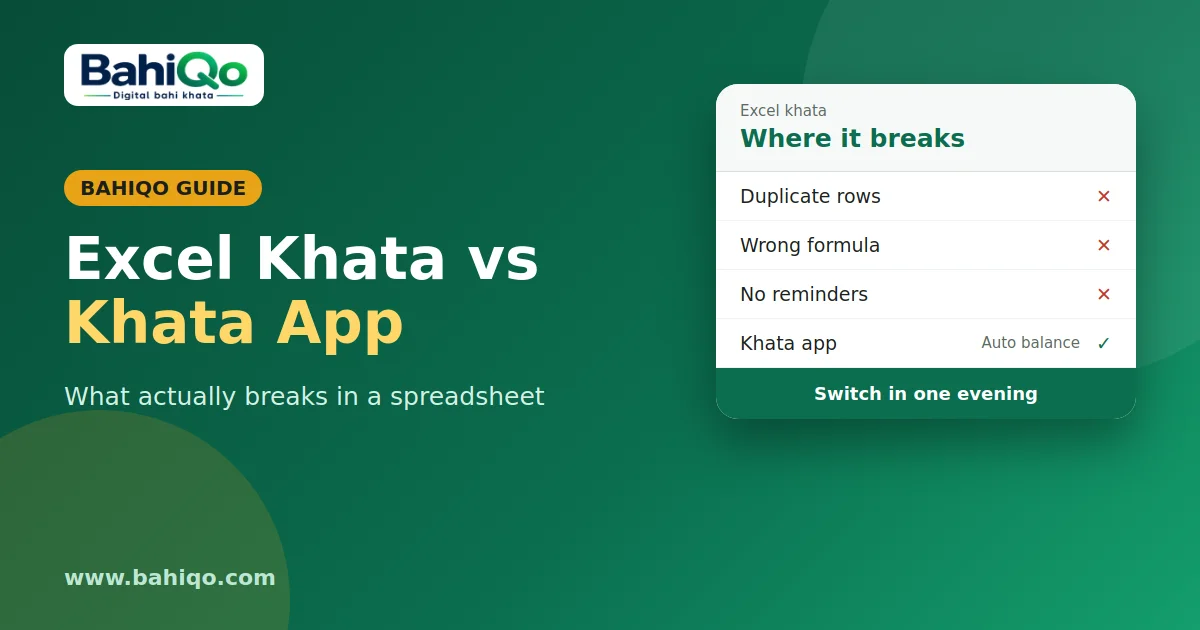
Spreadsheets have no concept of a customer. "Ramesh", "Ramesh Kumar" and "R. Kumar" become three rows with three balances, and nobody notices until a reconciliation. A khata app has a party list, so a customer is one record no matter how their name gets typed.
4. Formula drift
Somebody inserts a row and a SUM range silently stops covering it. The total is now wrong and looks completely normal. This is the failure mode that worries me most in spreadsheets used for money, because there is no symptom until the number is challenged.
5. One file, one device, no history
A corrupted file, a lost laptop or a ransomware-hit machine takes the khata with it. And because a spreadsheet records values rather than events, there is no history of what changed and when.
What a khata app gives you that a sheet cannot
- Entries recorded at the moment and place they happen
- One customer record regardless of spelling
- Balances computed by the system, not by a formula that can drift
- The bill photo attached to the entry it belongs to
- Access from several people's phones against the same list
- Statements you can share without building them by hand
What a spreadsheet still does better
Ad-hoc analysis. If you want to slice your data in an unusual way — seasonal patterns, a custom margin calculation, something specific to your trade — a spreadsheet will always be more flexible than a fixed app. Many shops sensibly do both: the khata in an app, and exports into Excel when they want to analyse something.
Moving without retyping
The fear that stops most people is retyping years of balances. You do not have to. Two approaches work:
Opening balances only. Enter each customer's current balance as a single opening figure and record only new activity from today. Takes an afternoon, and the old sheet stays as historical reference.
CSV import. Save your sheet as CSV and import it. BahiQo shows a preview of every row with validation results before anything is written, skips duplicates, and lets you revert the whole batch if the mapping was wrong — so a bad import is not a disaster. The digital khata book page covers the import flow in more detail.
The honest recommendation
Under about thirty credit customers, one person recording, working from a computer: stay on Excel. Beyond that, or the moment a second person needs to record entries, or the moment entries start being written at the counter, the spreadsheet is costing you more in errors than it saves in familiarity.